


369-A200继电保护装置GE
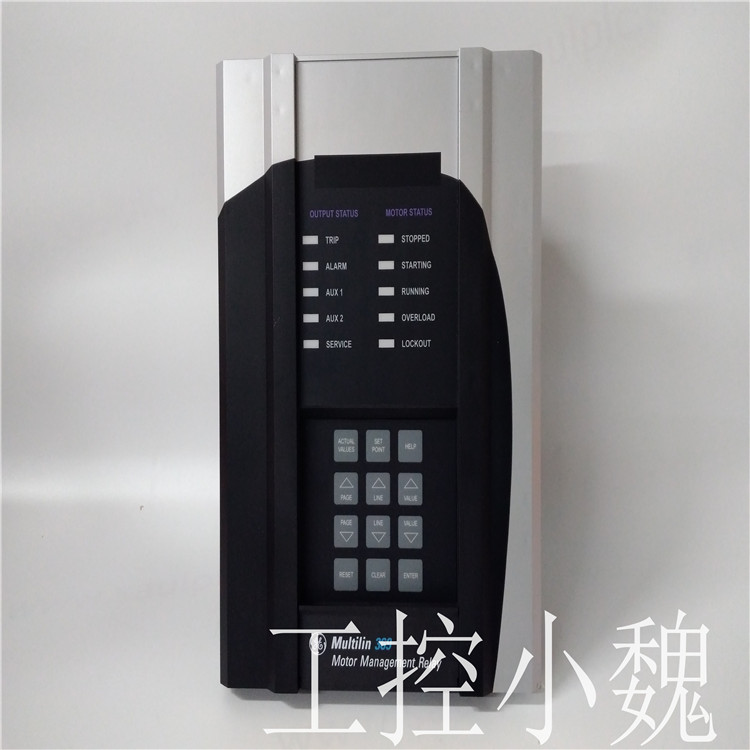
369-HI-0-M-0-0-E是GE Multilin制造的电机管理继电器。控制电源为50-300 VDC/40-265 VAC。此继电器上没有可选RTD输入。该装置包括一个可选的计量包。没有可选的光纤端口。该继电器为三相电机及其相关系统提供保护和监控。369可以“学习”各个电机参数,并适应各个应用。为了提高继电器的保护能力,用户可以调整电机浪涌电流、冷却速度和/或加速时间。如果您对该电机管理继电器或相关系列或制造商有任何疑问,请联系AX Control。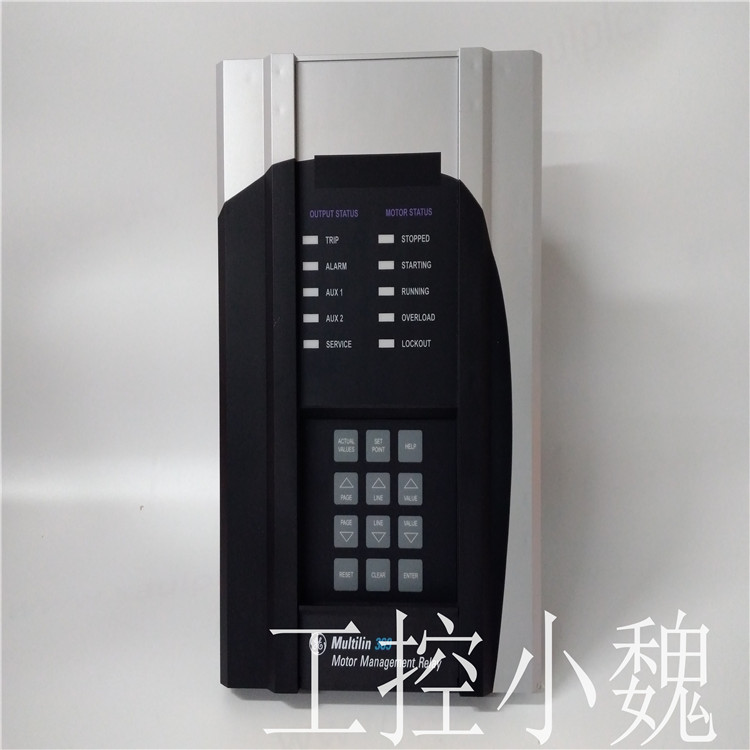


设定点键允许用户浏览可编程参数页面标题。实际值键允许用户浏览测量参数页面标题。页面向上和向下键可用于滚动页面标题,查看实际值和设定点。上下对齐键可用于滚动浏览副标题。值向上和向下键允许用户滚动浏览设定点编程模式中的变量。重置键允许用户重置跳闸或锁定报警。输入键可以输入子组或存储更改的设定值。清除键可以退出子组或将更改的设定点返回到其原始值。对于上下文相关的帮助消息,可以随时按帮助键。
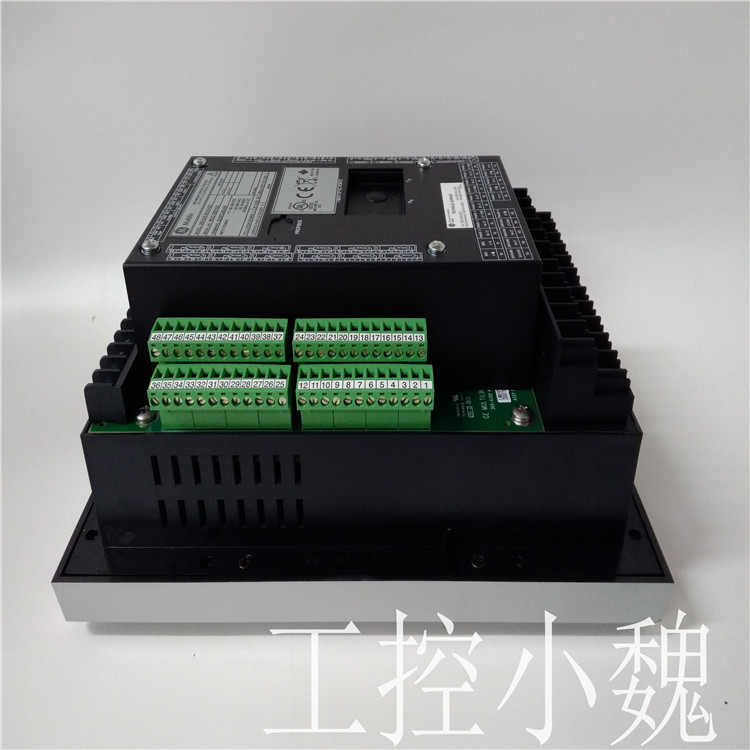
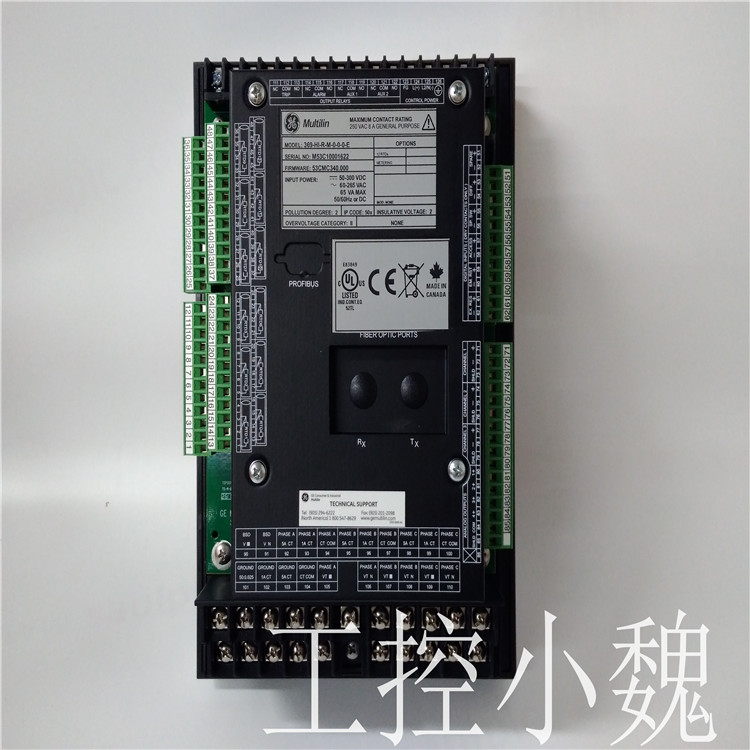
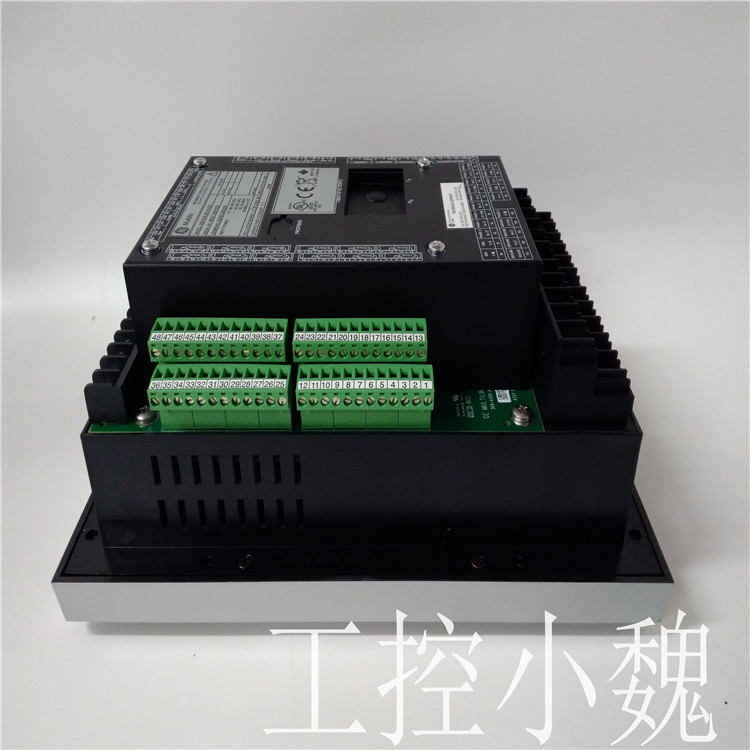
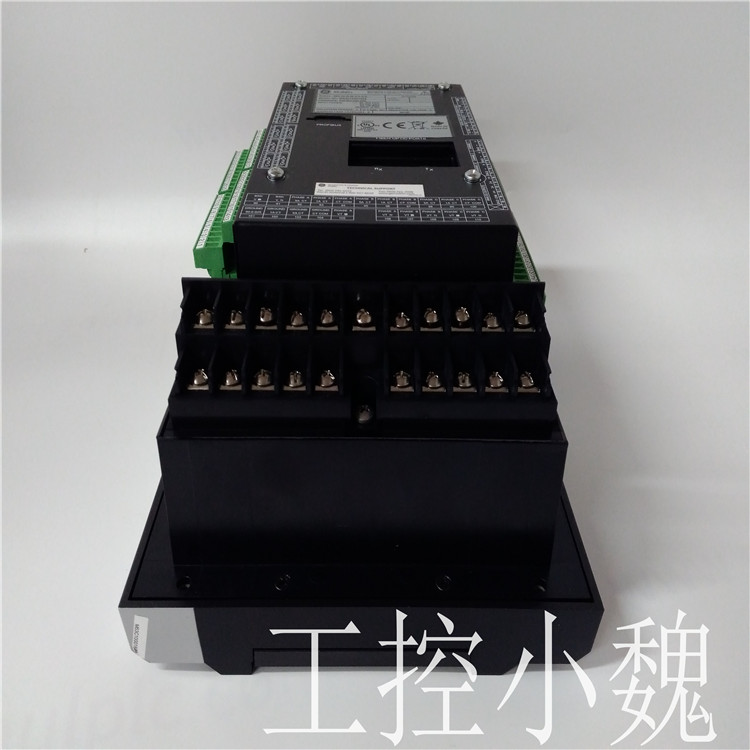
应始终确保369-HI-0-M-0-0-E正确接地。必须将安全接地和过滤器接地(分别为端子126和123)连接到主接地母线,以正确接地装置。
关于369-HI-0-M-0-0-E的常见问题
369-LO-0-M-F-E-0-E电机管理继电器的控制电源规格是什么?
369-LO-0-M-F-E-0-E具有低(LO)控制功率规格。VDC范围为20-60,此369 Multilin电机管理继电器的VAC控制功率范围为20至48。此低规格与高(HI)选项相比,后者为50-300 VDC和60-265 VAC控制电源。
369-LO-0-M-F-E-0-E Multilin General Electric数字继电器有哪些附加功能?
369-LO-0-M-F-E-0-E的其他功能是可选的计量包。除了基本单元的单个模拟输出外,该软件包还提供三个额外的可配置模拟输出。该软件包还为装置提供了功率和电压元件的输入,能够测量各种具体参数,如V、kW等。
369-LO-0-M-F-E-0-E还包含由(F)选项表示的可选光纤端口。此光纤数据链路用于更恶劣的环境或RRTD连接。光纤尺寸为50/125、62.5/125、100/140和200微米。LED发射器类型为820 nm LED,具有多模特性。
369-LO-0-M-F-E-0-E的可选光纤端口的用途是什么?
369-LO-0-M-F-E-0-E的光纤端口(选项F)的用途是允许远程模块RTD连接到电机管理继电器。369-HI-0-M-0-0-E is a motor management relay that is manufactured by GE Multilin. The control power is 50-300 VDC / 40-265 VAC. There are no optional RTD inputs on this relay. This unit includes an optional metering package. There is no optional fiber optic port. This relay provides protection and monitoring for 3-phase motors and their associated systems. The 369 can ‘learn’ individual motor parameters and adapt itself to individual applications. In order to improve the protective capabilities of the relay, the user may adjust the motor inrush current, the cooling rates, and/or the acceleration time. If you have any questions about this motor management relay or the associated series or manufacturer, please contact AX Control.
The setpoints key allows the user to navigate through the programmable parameters page headers. The actual values key allows the user to navigate through the measured parameters page headers. The page up and down keys can be used to scroll through page headers for both actual values and setpoints. The line up and down keys can be used to scroll through the subheadings. The value up and down keys allow the user to scroll through variables in the setpoint programming mode. The reset key allows the user to reset a trip or latched alarm. The enter key can enter the subgroups or store altered setpoint values. The clear key can exit the subgroups or return an altered setpoint to its original value. The help key may be pressed at any time for context sensitive help messages.
369-HI-0-M-0-0

 微信二维码
微信二维码